Master AI-powered coding with the GitHub Copilot Fundamentals course! Learn how to leverage GitHub Copilot to accelerate development, write efficient code, and improve productivity. Explore AI-driven code suggestions, debugging, and best practices for seamless integration into your workflow. Ideal for developers looking to enhance coding efficiency with AI. Enroll today!
Our Content Partner -

FREE
Enroll Now This Course Includes
3 Hours
Of Self-Placed Video Lessions
3 Hours
Of Self-Placed Video Lessions
3 Hours
Of Self-Placed Video Lessions
Digital Marketing
Digital Marketing
Digital Marketing
Digital Marketing
Digital Marketing
NLP Specialist
Machine Learning Engineer
Data Scientist
AI Engineer
Search Engineer
$356.10 Billion
Expected size of global Generative AI market by 2030
$85K+ (USA) | INR 9.7 LPA
Average Salary of a Business Analyst annually
The Microsoft Copilot Studio course equips you with the skills to create, customize, and manage AI-powered
copilots using low-code tools. Learn how to integrate Copilot Studio into business workflows, automate tasks,
and enhance productivity with AI-driven solutions. This course covers bot building, AI integration, data
connections, and security best practices. Ideal for professionals seeking to optimize workflows with AI, the
Copilot Studio course offers hands-on learning and practical applications. Enroll now to unlock the power of
AI-driven automation!
Topics Covered:
1. Introduction to Copilot Studio : Understand the
fundamentals of Copilot Studio, its AI-powered capabilities,
and how it enhances automation.
2. Introduction to Copilot Studio : Understand the
fundamentals of Copilot Studio, its AI-powered capabilities,
and how it enhances automation.
3. Introduction to Copilot Studio : Understand the
fundamentals of Copilot Studio, its AI-powered capabilities,
and how it enhances automation.
4. Introduction to Copilot Studio : Understand the
fundamentals of Copilot Studio, its AI-powered capabilities,
and how it enhances automation.
5. Introduction to Copilot Studio : Understand the
fundamentals of Copilot Studio, its AI-powered capabilities,
and how it enhances automation.
Topics Covered:
1. Introduction to Copilot Studio : Understand the
fundamentals of Copilot Studio, its AI-powered capabilities,
and how it enhances automation.
2. Introduction to Copilot Studio : Understand the
fundamentals of Copilot Studio, its AI-powered capabilities,
and how it enhances automation.
3. Introduction to Copilot Studio : Understand the
fundamentals of Copilot Studio, its AI-powered capabilities,
and how it enhances automation.
4. Introduction to Copilot Studio : Understand the
fundamentals of Copilot Studio, its AI-powered capabilities,
and how it enhances automation.
5. Introduction to Copilot Studio : Understand the
fundamentals of Copilot Studio, its AI-powered capabilities,
and how it enhances automation.
Topics Covered:
1. Introduction to Copilot Studio : Understand the
fundamentals of Copilot Studio, its AI-powered capabilities,
and how it enhances automation.
2. Introduction to Copilot Studio : Understand the
fundamentals of Copilot Studio, its AI-powered capabilities,
and how it enhances automation.
3. Introduction to Copilot Studio : Understand the
fundamentals of Copilot Studio, its AI-powered capabilities,
and how it enhances automation.
4. Introduction to Copilot Studio : Understand the
fundamentals of Copilot Studio, its AI-powered capabilities,
and how it enhances automation.
5. Introduction to Copilot Studio : Understand the
fundamentals of Copilot Studio, its AI-powered capabilities,
and how it enhances automation.
Start Your Upskilling Journey with SkillUP
Boost your career with SkillUP, Simplilearn’s free learning platform! Gain
in-demand skills in AI, data
science, cloud computing, cybersecurity, and more through expert-led courses. Learn at your own pace,
earn
certificates, and stay competitive in today’s job market. Whether you're starting out or upskilling for career
growth,SkillUP empowers you with job-ready expertise.Start learning for free
today!
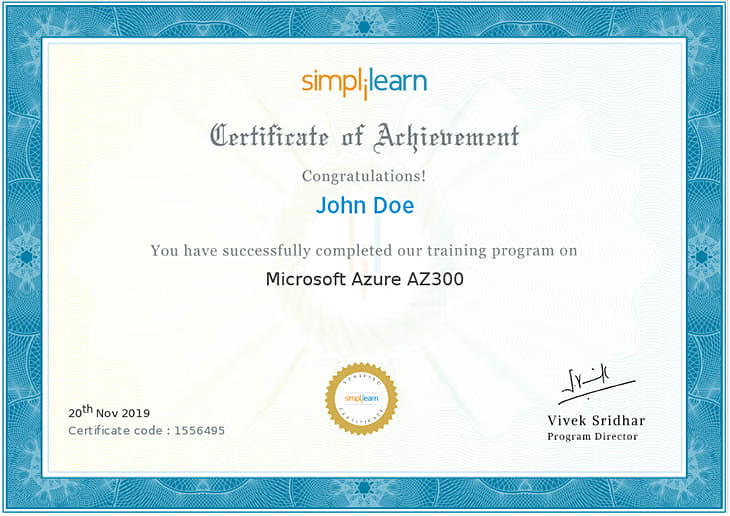
Share your certificate with prospective employers and your professional network on LinkedIn.s

The details tag works as an interactive widget that hides / shows content.
The summary tag works as the heading of the details tag. The summary will always be shown and can be clicked to show or hide the other content of the details-tag
You can put any content you want inside of the details-tag, though the summary-tag should be the first child.
Yes you can, simply add the "open" attribute to the details-tag

Beginner
ChatGPT 101 : WHAT IS THIS?
FREE
Beginner
ChatGPT 101 : WHAT IS THIS?
FREE
Beginner
ChatGPT 101 : WHAT IS THIS?
FREE
© 2025 Skill Seekho. All rights reserved.

.png)